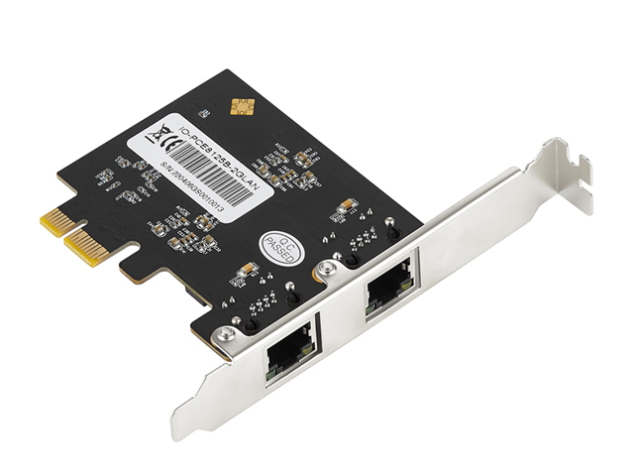
Description
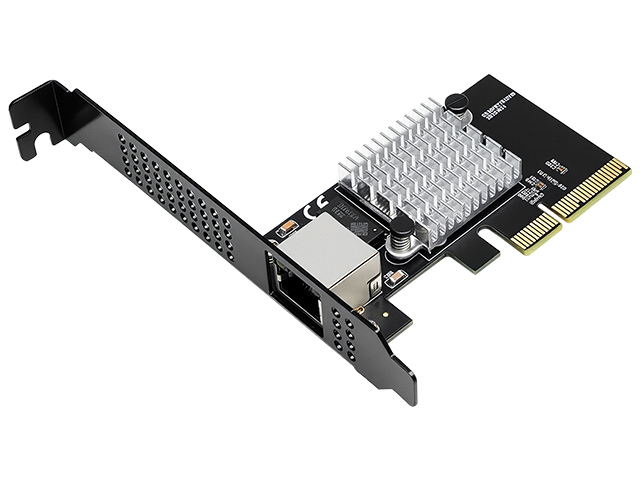
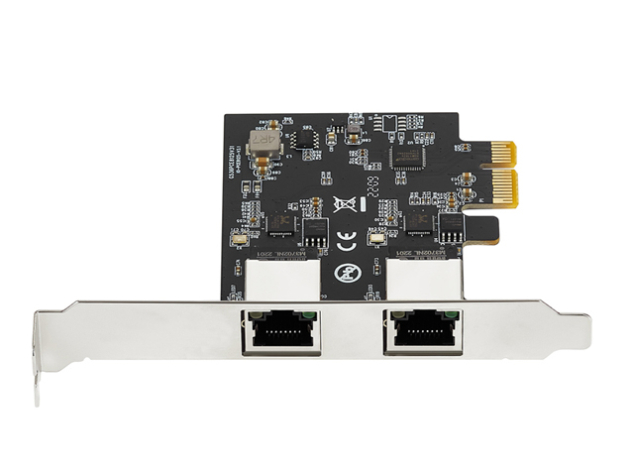
Dual Port 2.5-Gigabit Ethernet Upgrade
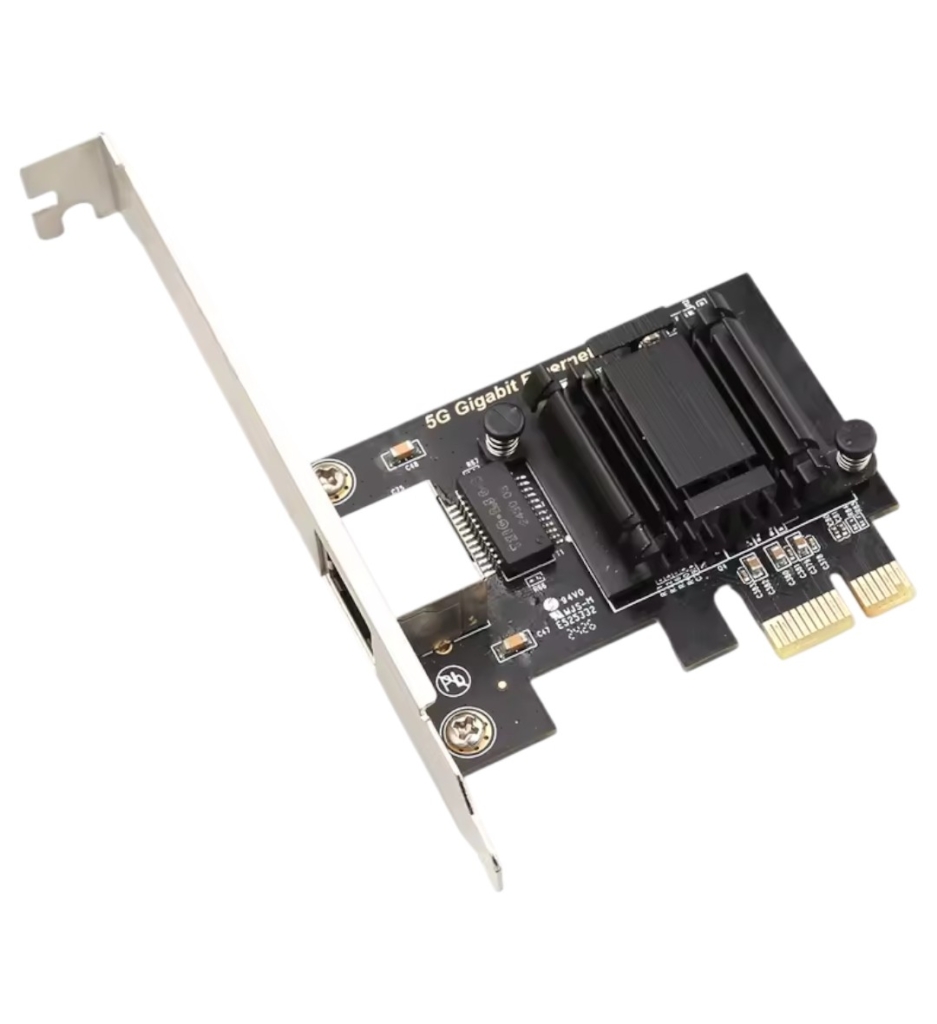
Realtek RTL8125E • 2x RJ45 • PCIe x1 • 2.5x Faster Than Gigabit
Why Upgrade to 2.5G?
Standard Gigabit Ethernet (1Gbps) has been the networking standard for over 20 years. Modern applications demand more:
- 📊 NAS Transfers: Move 100GB+ media libraries in minutes instead of hours
- 🎮 Gaming: Reduced latency and faster game/update downloads
- 🎬 Content Creation: Edit 4K/8K video from network storage without stuttering
- 💼 Business: Faster backups, VM migrations, and file sharing
- 🏠 Future-Proof: Ready for next-generation home and office networks
Proven RTL8125E Chipset
Built around the industry-standard Realtek RTL8125E 2.5-Gigabit Ethernet controller, this network card benefits from mature, stable drivers and widespread compatibility. The RTL8125E is the same chipset used by major motherboard manufacturers (ASUS, Gigabyte, MSI, ASRock) in their premium boards, ensuring excellent long-term support across Windows, Linux, and macOS platforms.
Real-World Performance
Sequential Transfers: 250-280 MB/s per port (2.0-2.24 Gbps actual)
4K Video Streaming: Stream multiple 4K streams simultaneously without buffering
Large File Transfers: 100GB in ~6-7 minutes vs. ~14-15 minutes on Gigabit
Latency: Lower ping times in gaming and time-sensitive applications
Dual Port Advantages
Two independent 2.5-Gigabit ports unlock advanced networking capabilities:
🔗 Link Aggregation (LACP)
Combine both ports for up to 5Gbps aggregate throughput. Requires LACP-capable switch. Perfect for servers and high-bandwidth workstations.
🌐 Network Separation
Connect to two different networks simultaneously. One for internet, one for isolated local network/NAS. Ideal for security-conscious users.
🔄 Failover Protection
Automatic switchover if one connection fails. Ensures continuous uptime for critical applications and servers.
💾 Dedicated Paths
Use one port for internet access, another for direct NAS connection. Prevents NAS traffic from competing with internet bandwidth.
Universal Compatibility
Installation Flexibility
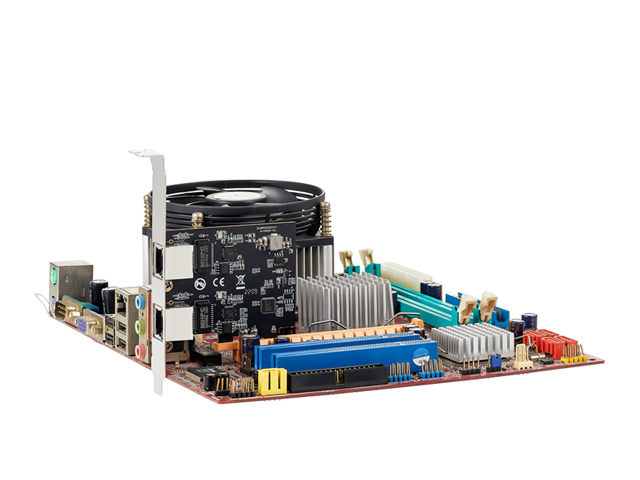
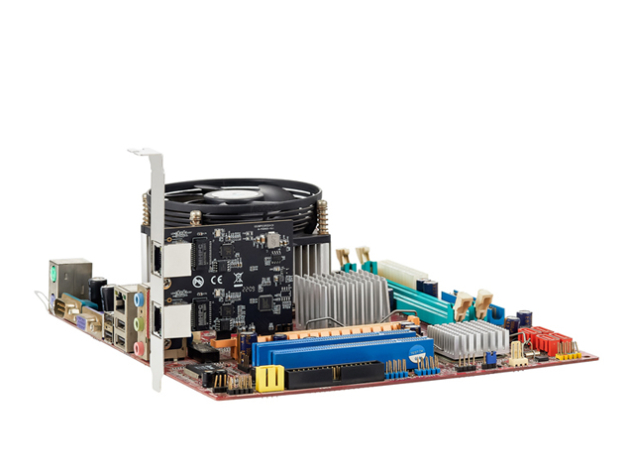
- PCIe Slot: Works in any x1, x4, x8, or x16 PCIe slot (only uses x1 electrical lanes)
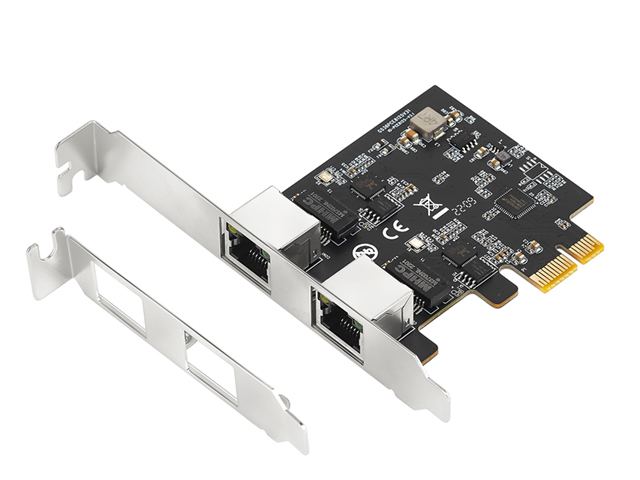
- Form Factor: Compact 65.3mm x 75mm design – single slot footprint
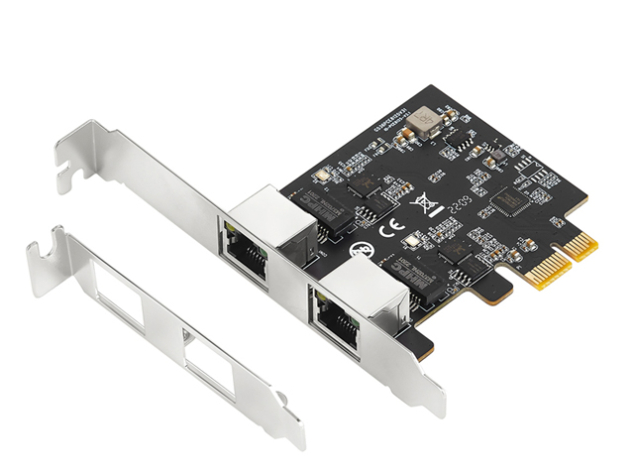
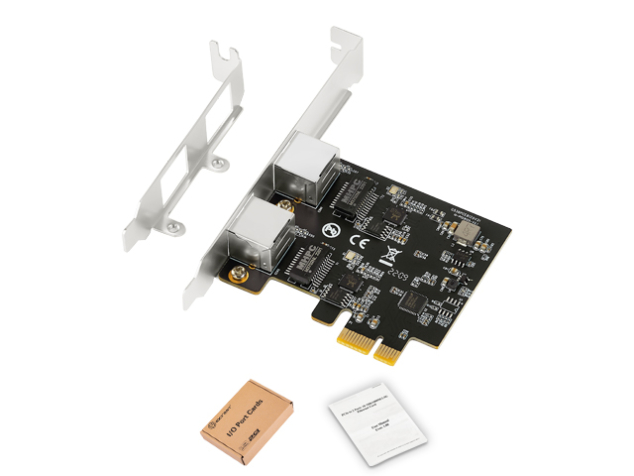
- Chassis: Standard full-height bracket installed, low-profile bracket included
- PCIe Version: PCIe 2.1 spec (compatible with PCIe 2.0, 3.0, 4.0, 5.0 slots)
Operating System Support
| Windows | 7, 8, 8.1, 10, 11 (32/64-bit) – Native support in Win10/11 |
| Linux | Kernel 5.9+ (native r8125), earlier kernels via r8125 module |
| macOS | 10.x+ with third-party kext (LucyRTL8125Ethernet recommended) |
| DOS | Packet driver support available |
Advanced Professional Features
VLAN Support
- 802.1Q VLAN tagging
- 802.1ad Double VLAN (Q-in-Q)
- 802.1P Layer 2 priority
- Multiple VLAN configurations
Time Synchronization
- IEEE 1588v1/v2 PTP
- IEEE 802.1AS gPTP
- Hardware timestamping
- Sub-microsecond accuracy
Performance
- Jumbo frames (16KB)
- Hardware CRC & ECC
- TX/RX buffer offload
- MSI & MSI-X interrupts
Power Efficiency
- 802.3az EEE (Energy Efficient)
- PCIe L1 substates
- ECMA-393 ProxZzzy
- Wake-on-LAN support
Complete Technical Specifications
| Specification | Details |
|---|---|
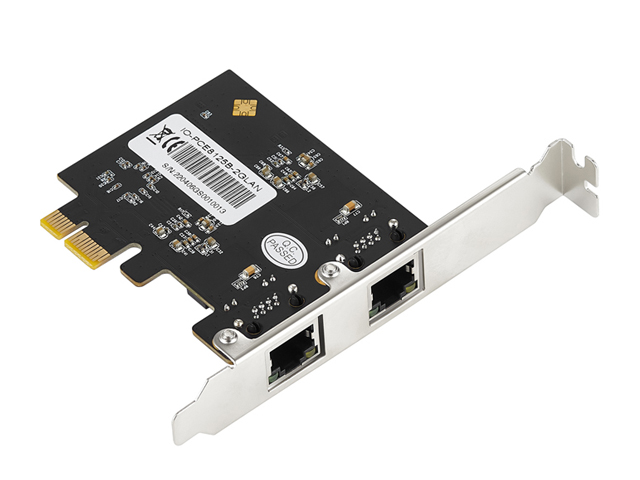
| Model Number | IO-PCE8125E-2GLAN |
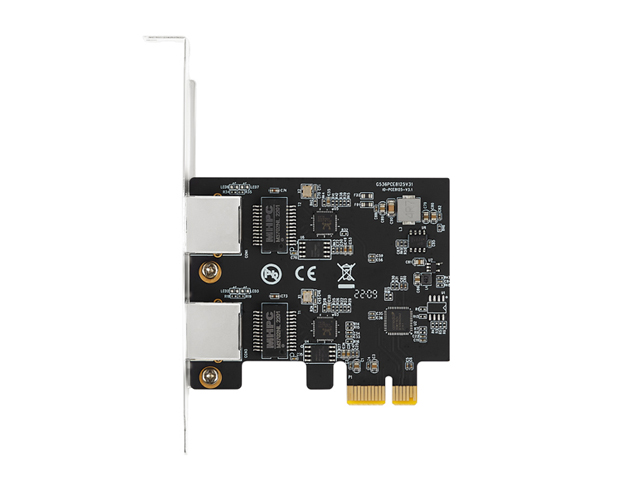
| Chipset | 2x Realtek RTL8125E 2.5-Gigabit Ethernet Controllers |
| Interface | PCI Express x1 (PCIe 2.1 specification) |
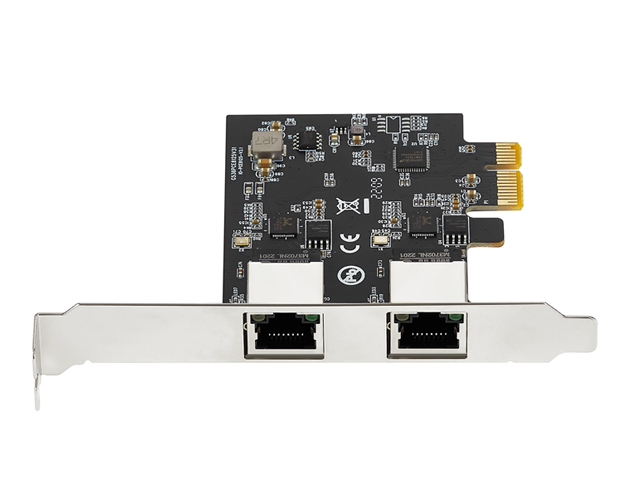
| Ports | 2x RJ45 Ethernet (independent controllers) |
| Network Speeds | 10/100/1000/2500 Mbps per port (auto-negotiation) |
| Max Throughput | 2.5Gbps (250MB/s) per port / 5Gbps combined with LACP |
| Duplex Mode | Full Duplex with IEEE 802.3x flow control |
| Cable Type | Cat5e minimum (Cat6/6a recommended for 2.5G) |
| Max Cable Length | 100 meters (328 feet) at 2.5Gbps |
| Jumbo Frames | Up to 16KB (16,384 bytes) |
| VLAN Support | 802.1Q, 802.1ad (Q-in-Q), 802.1P priority |
| Card Dimensions | 65.3mm (W) x 75mm (H) – Single slot |
| Bracket | Full-height (installed) + Low-profile (included) |
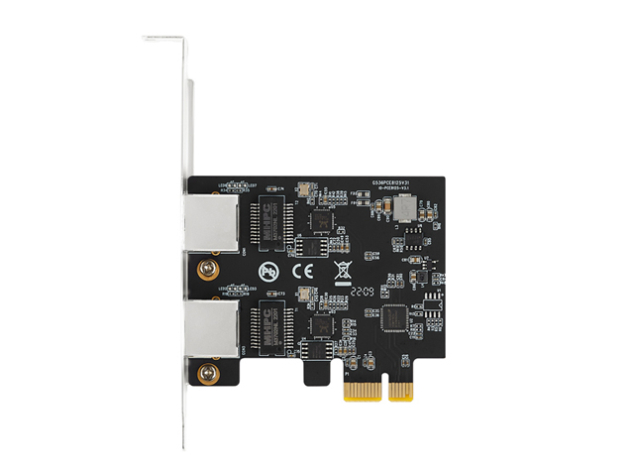
| LED Indicators | Link/Activity per port (on rear bracket) |
| Power Draw | Low power (<5W typical), PCIe slot powered |
| Operating Temp | 0°C to 70°C (32°F to 158°F) |
What’s in the Box
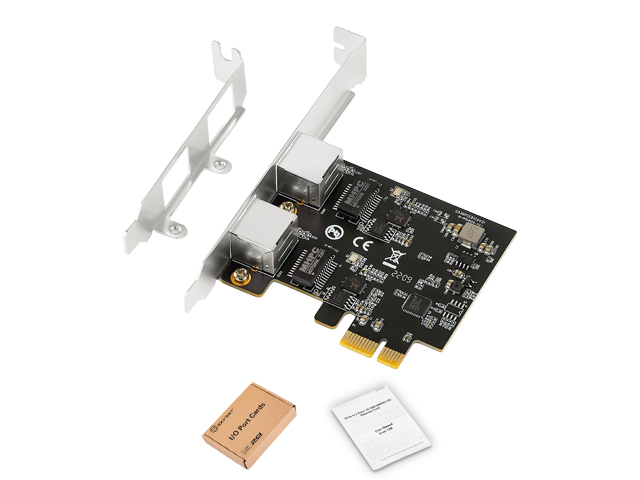
- ✓ 1x Dual Port 2.5G Ethernet PCIe Network Card
- ✓ 1x Low Profile Bracket
- ✓ 1x User Manual
*Ethernet cables not included – Cat5e or better required
Installation Guide
- Power down your computer and disconnect power cable
- Select PCIe slot: Any available x1, x4, x8, or x16 slot
- Install card: Remove slot cover, insert card, secure with screw
- Connect cables: Attach Cat5e/6/6a Ethernet cables to both ports
- Boot system: Windows 10/11 will auto-install drivers
- Verify: Check Device Manager or Network Settings for 2.5G adapters
Important Notes
Network Requirements:
- 2.5G speeds require 2.5G-capable switch/router (backward compatible with 1G/100M)
- Use Cat5e minimum (Cat6/6a recommended) for reliable 2.5G operation
- Check NAS/server supports 2.5G to take full advantage of card’s capabilities
Driver Notes:
- Windows 10/11: Automatic driver via Windows Update (RTL8125E native)
- Windows 7/8: Download from Realtek website
- Linux: Kernel 5.9+ has native support; r8125 DKMS module for older kernels
- macOS: Requires LucyRTL8125Ethernet or RealtekRTL8125 kext
TekHouse Quality Guarantee
Fast UK dispatch • Quality tested networking components • Expert technical support

 Verified Purchase