Description
🚀 MULTI-GPU EXPANSION FOR AI & COMPUTE
Connect up to 4 GPUs using a single PCIe 1x slot
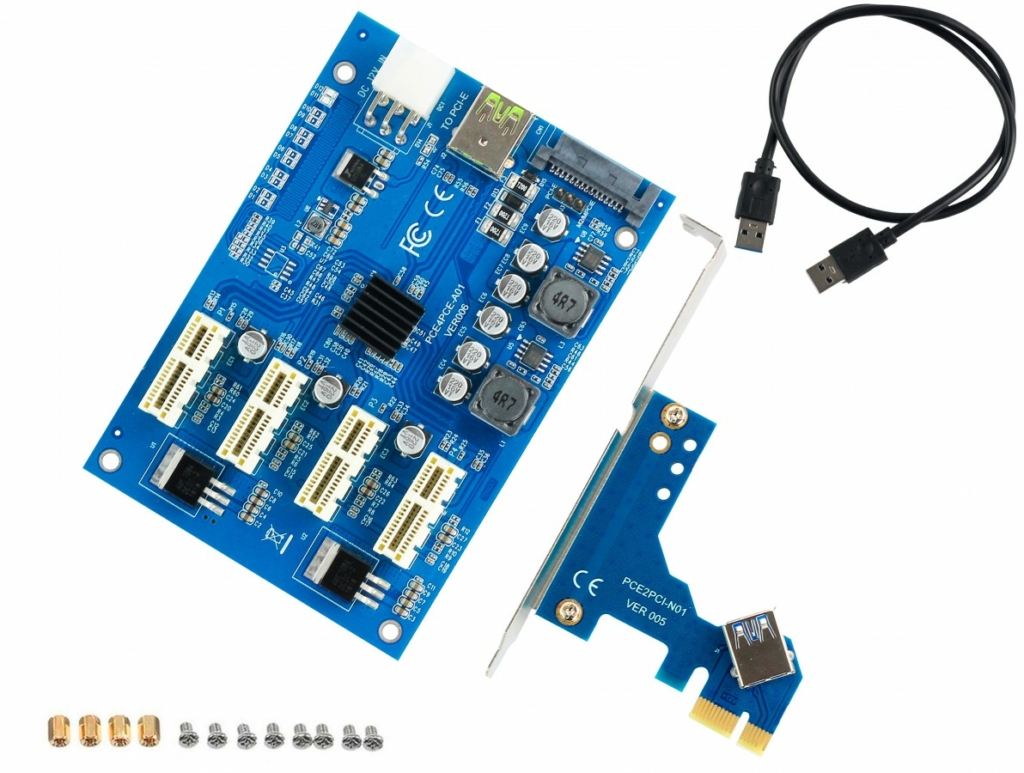
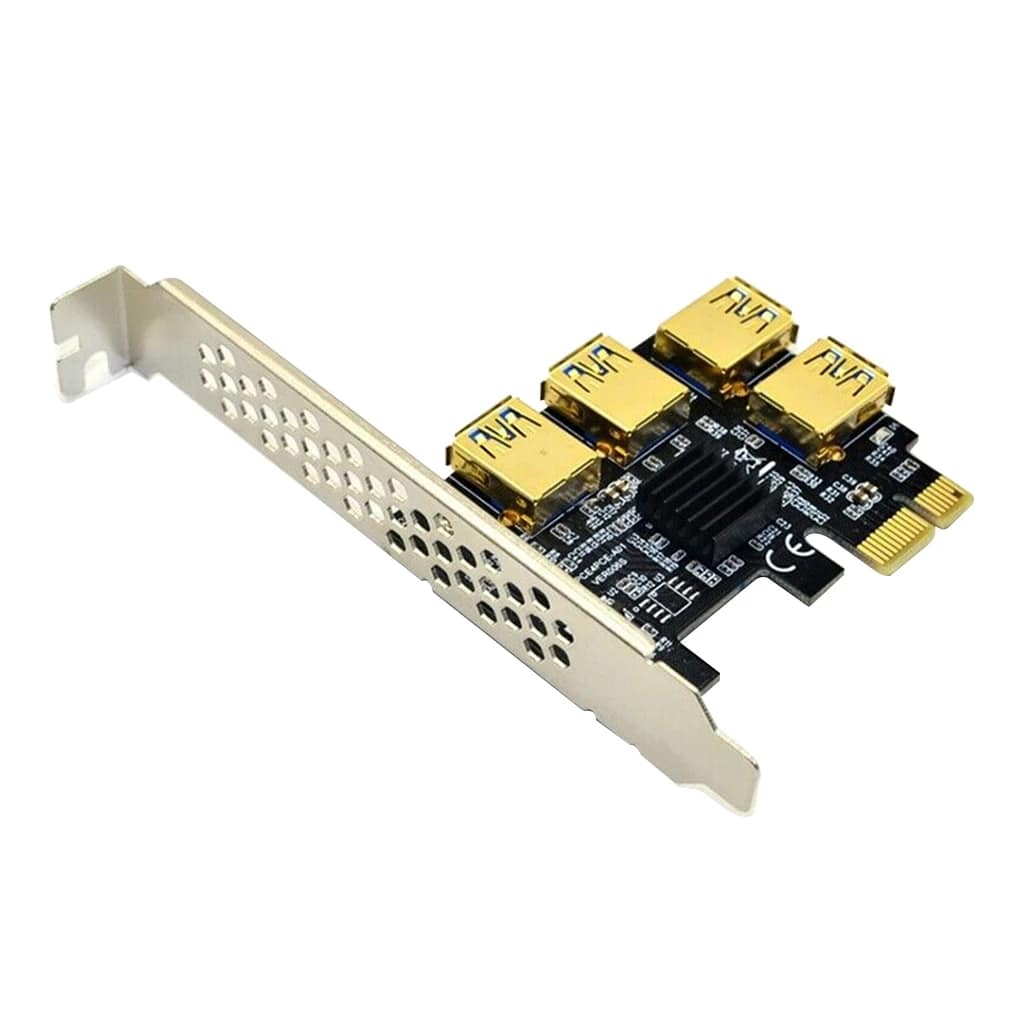
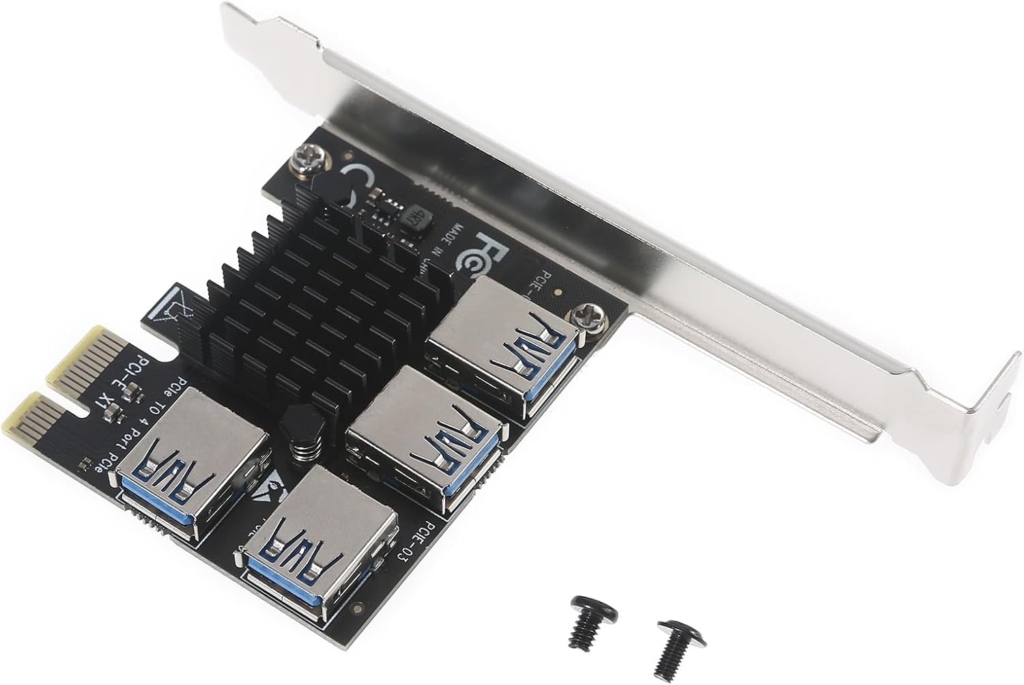
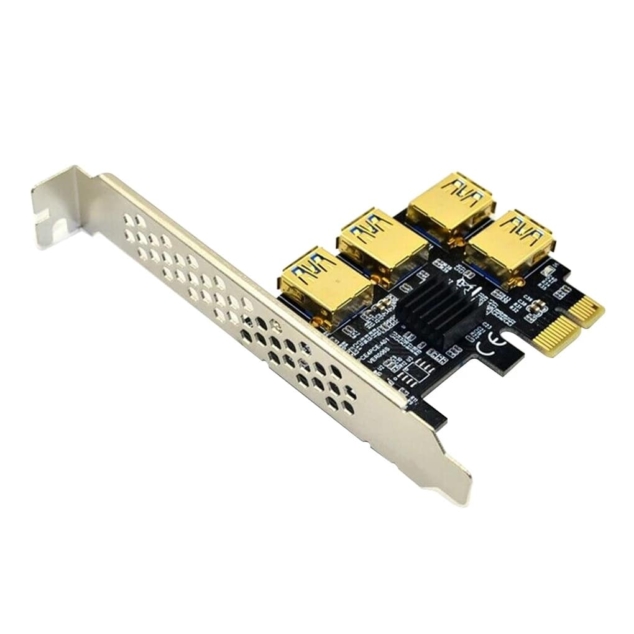
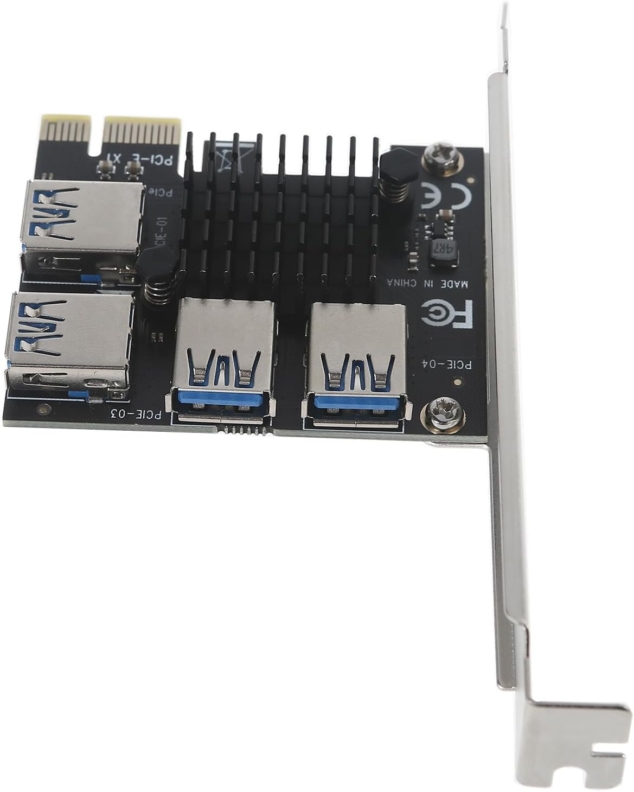
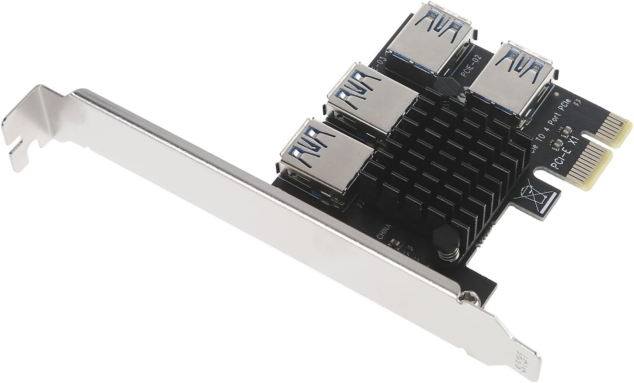
PCIe 1x to 4-Port USB 3.0 Multiplier Card
Unlock the power of multi-GPU computing with this professional-grade PCIe expansion card. Connect up to 4 graphics cards to a single PCIe 1x slot using USB 3.0 riser cables, enabling parallel processing for AI training, 3D rendering, scientific simulations, and compute-intensive workloads.
💡 Perfect For Modern GPU Computing
The explosion of AI, machine learning, and GPU rendering has created huge demand for multi-GPU systems. This card lets you build powerful workstations without expensive server motherboards.
Modern Applications
🤖 AI & Machine Learning
- LLM training (Llama, Mistral, etc.)
- Stable Diffusion image generation
- TensorFlow/PyTorch multi-GPU
- Deep learning experiments
- ComfyUI / Automatic1111 setups
🎨 3D Rendering & Graphics
- Blender GPU rendering farms
- Octane/Redshift render nodes
- Video encoding/transcoding
- DaVinci Resolve acceleration
- After Effects multi-GPU
🔬 Scientific Computing
- CUDA parallel processing
- Molecular dynamics simulations
- Climate modeling
- Protein folding (Folding@home)
- Mathematical computations
⛏️ Cryptocurrency Mining
- Ethereum mining (ETH)
- Alternative coin mining
- GPU mining rigs
- Mining farm expansion
- Dual mining setups
How It Works
- Install the card in any available PCIe 1x, 4x, 8x, or 16x slot
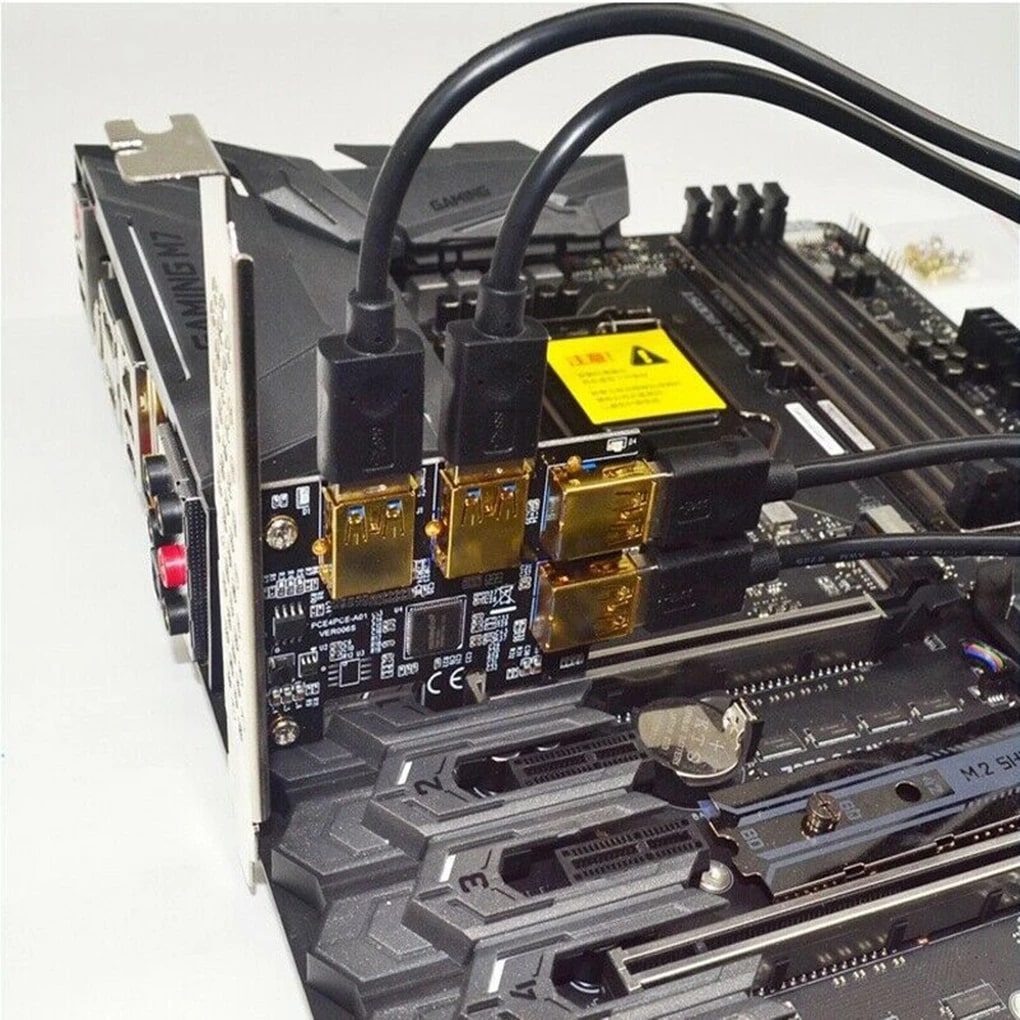
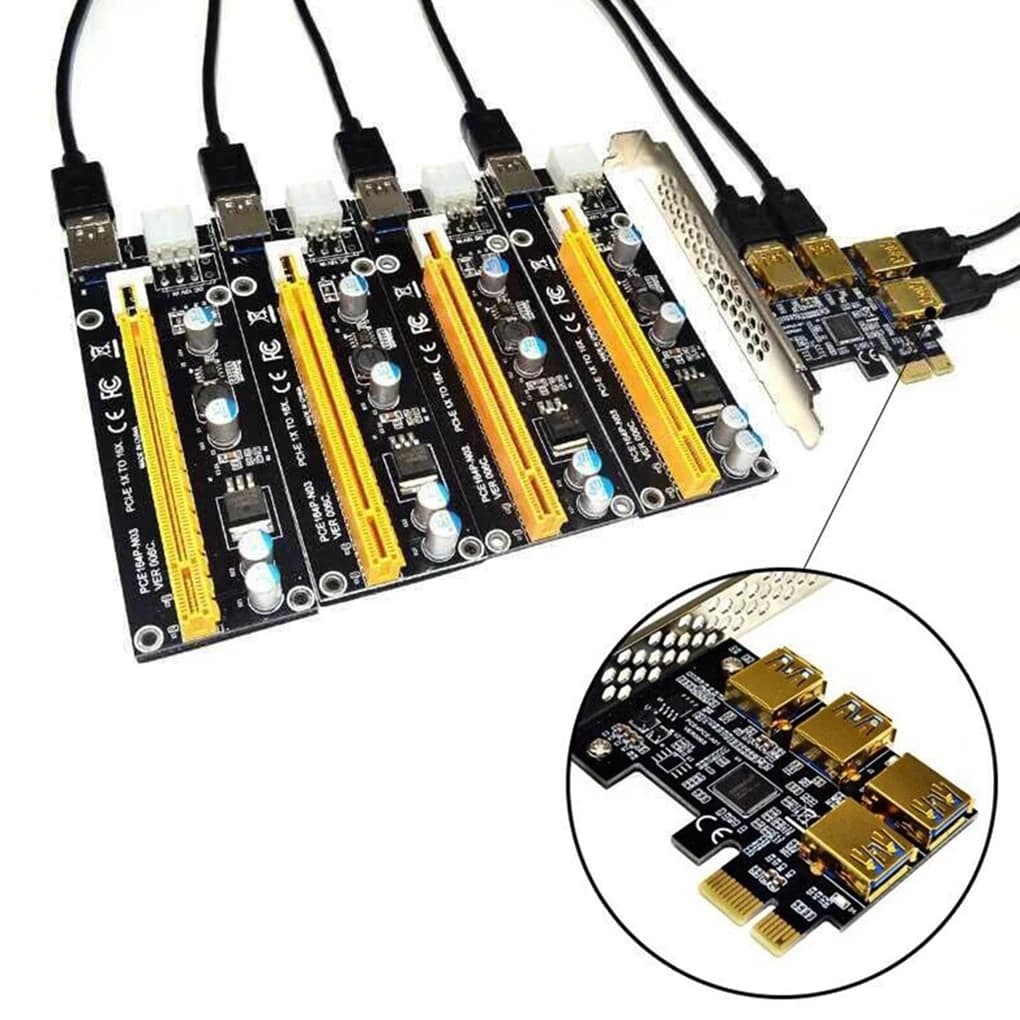
- Connect USB 3.0 riser cables to the 4 USB ports on the card
- Attach your GPUs to the other end of the riser cables
- Power the GPUs with your PSU (6-pin/8-pin connectors)
- Start computing – your system will detect all GPUs automatically
Note: USB 3.0 riser cables sold separately (see our other listings)
Technical Specifications
| Interface | PCIe 1x (compatible with 4x, 8x, 16x slots) |
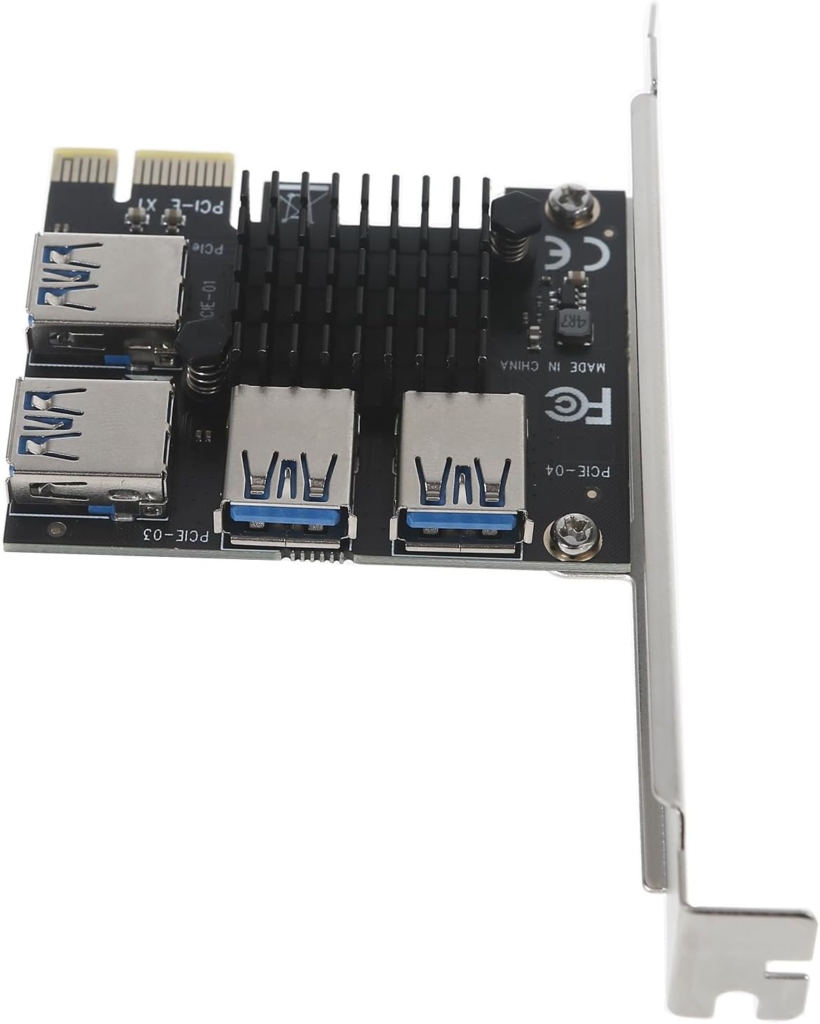
| Output Ports | 4x USB 3.0 (gold-plated connectors) |
| Maximum GPUs | 4 graphics cards (with USB riser cables) |
| PCIe Bandwidth | PCIe 1x per GPU (sufficient for compute/mining) |
| Compatible GPUs | NVIDIA (RTX 40/30/20 series, GTX), AMD (RX 7000/6000/5000), Intel Arc |
| Operating Systems | Windows 10/11, Linux, Ubuntu, HiveOS, RaveOS |
| Power | Draws power from PCIe slot (GPUs need separate PSU power) |
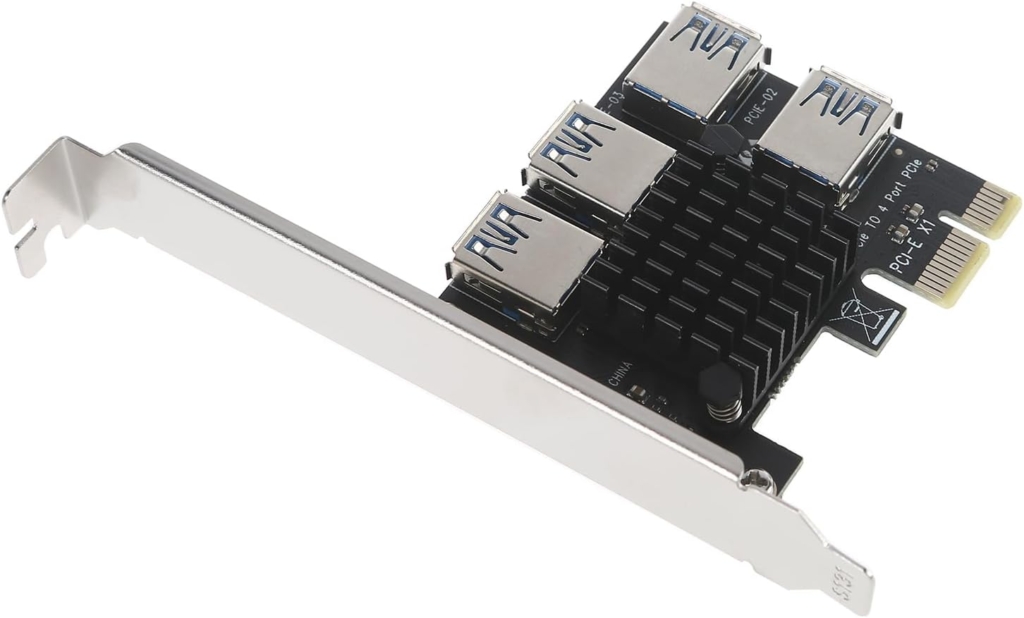
| Form Factor | Standard height + low-profile bracket included |
| Chipset | PCIe switch chipset for signal distribution |
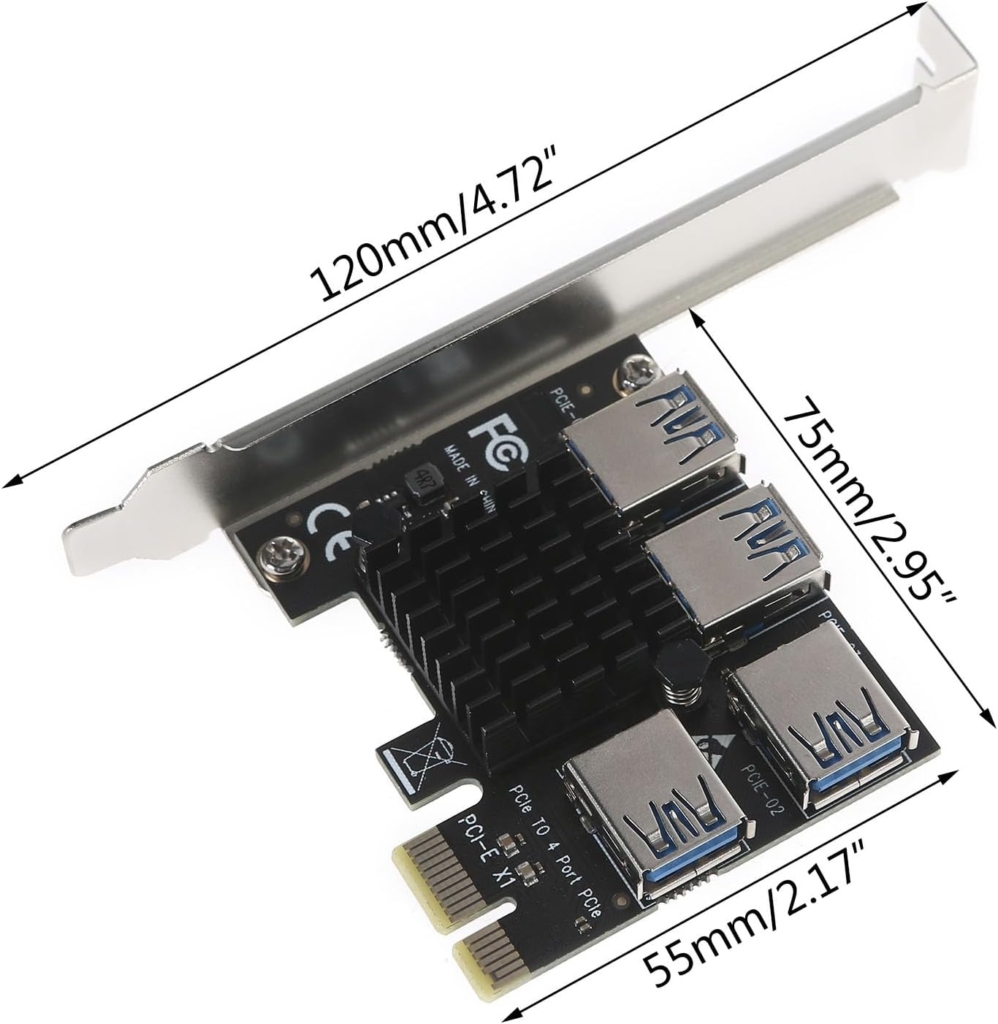
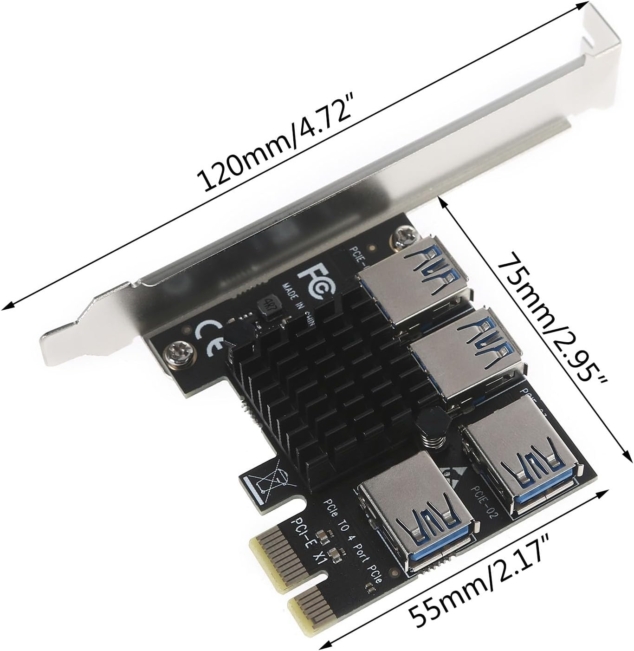
| Dimensions | Approx. 120mm x 70mm (standard PCIe card size) |
Key Features
- ✅ 4x USB 3.0 Ports: Gold-plated connectors for reliable signal transmission
- ✅ PCIe 1x Interface: Works in any PCIe slot (1x, 4x, 8x, 16x)
- ✅ Plug & Play: Automatic GPU detection, no drivers needed for basic operation
- ✅ Multi-GPU Support: Run 4 GPUs simultaneously for parallel processing
- ✅ Low-Profile Option: Includes bracket for compact/slim cases
- ✅ Universal Compatibility: Works with NVIDIA, AMD, and Intel GPUs
- ✅ Stable Signal: PCIe switch ensures reliable communication to all 4 GPUs
- ✅ Cost-Effective: Build multi-GPU systems without expensive server motherboards
What You Need for a Complete Setup
📋 Required Components (Not Included)
- USB 3.0 Riser Cables: 4x riser cables (one per GPU) – see our other listings
- Power Supply: Sufficient wattage for all GPUs (600W+ recommended for 4 GPUs)
- Motherboard: Any motherboard with at least one free PCIe slot
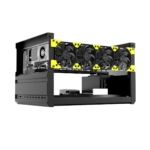
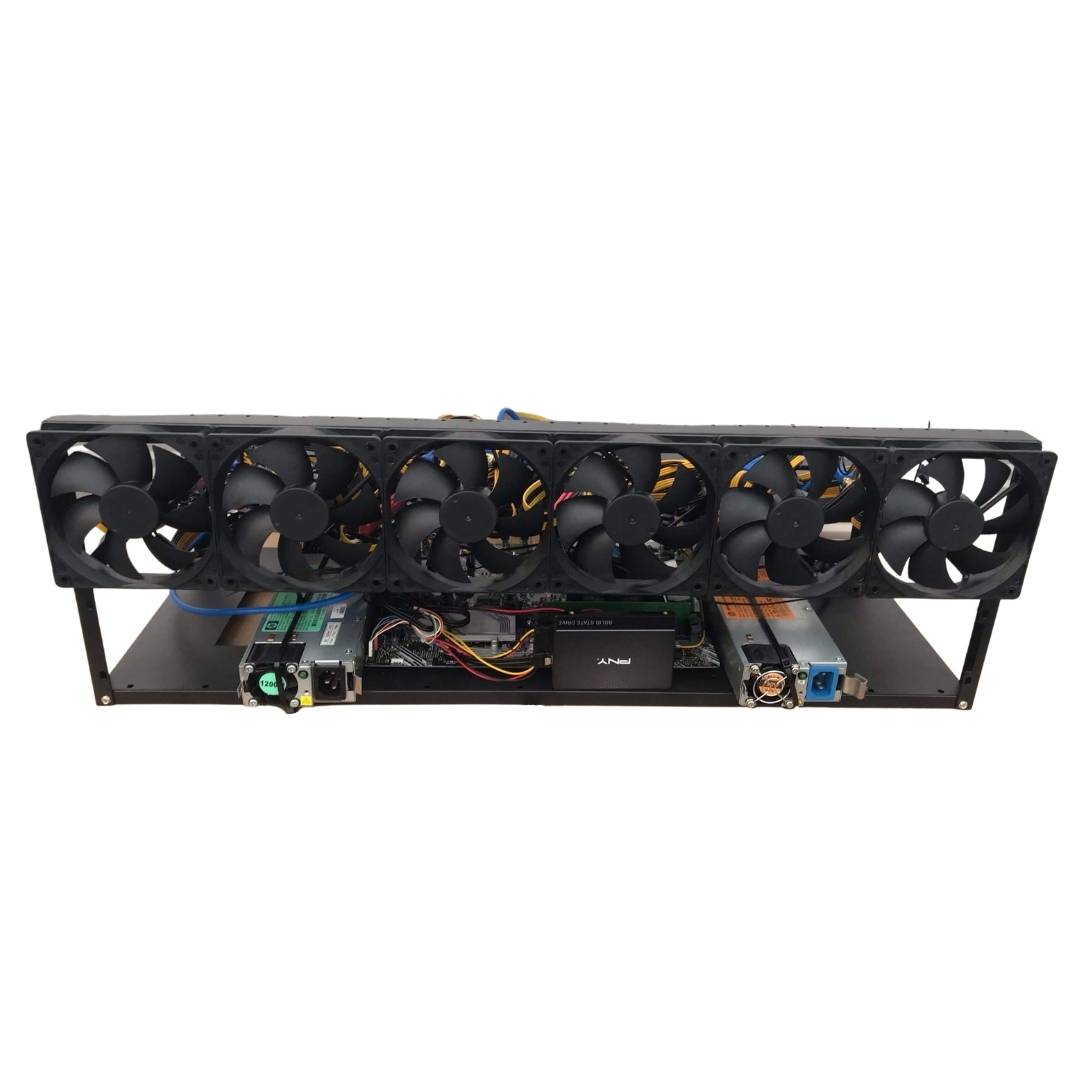
- Open Frame/Case: Standard cases won’t fit 4 GPUs – use mining frame or open air
- Graphics Cards: Up to 4x GPUs of your choice
System Requirements
✅ Minimum Requirements
- One free PCIe slot (any size)
- Windows 10/11 or Linux
- Adequate PSU wattage
- USB 3.0 riser cables
⭐ Recommended
- CPU: 6+ cores for AI/rendering
- RAM: 16GB+ for AI workloads
- PSU: 1000W+ for 4x mid-range GPUs
- Cooling: Adequate airflow/ventilation
Compatibility Notes
🔧 Important Information
- Bandwidth: Each GPU gets PCIe 1x bandwidth. This is sufficient for mining, AI inference, and most rendering tasks. Gaming on these GPUs is possible but not optimal.
- Motherboard BIOS: Some motherboards may need “Above 4G Decoding” or “Resizable BAR” enabled in BIOS for multiple GPUs.
- Riser Cables Required: This card provides USB ports only – you must use USB 3.0 PCIe riser cables to connect GPUs.
- Power: Each GPU needs separate 6-pin/8-pin power from your PSU. The multiplier card draws minimal power from the PCIe slot.
Example Build Scenarios
| Build Type | Example GPUs | Use Case |
|---|---|---|
| Budget AI Rig | 4x RTX 3060 12GB | Stable Diffusion, LLM inference |
| High-End AI Workstation | 4x RTX 4090 | LLM training, multi-modal AI |
| Render Farm Node | 4x RTX 3080 | Blender/Octane rendering |
| Mining Rig | 4x RX 6800 XT | Cryptocurrency mining |
Package Contents
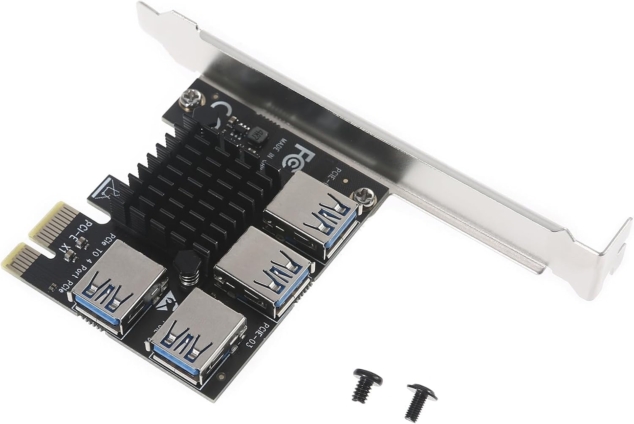
- ✅ 1x PCIe 1x to 4-Port USB 3.0 Multiplier Card
- ✅ 1x Low-profile bracket
- ✅ 1x Standard height bracket (pre-installed)
⚠️ NOT INCLUDED: USB 3.0 riser cables, GPUs, power supply cables
Why Choose This Card?
Example Use:

 Verified Purchase